Transforming Old Hardware into a Surprisingly Effective NAS
Building a Network-Attached Storage server from outdated components doesn't have to be a compromise. In fact, repurposing an old x86 machine can yield a reliable backup solution that outperforms many budget commercial options. The following Q&A explores the practical aspects of such a project, based on real-world experience with unconventional hardware.
Why should you consider building a NAS from old hardware?
Repurposing an old computer as a Network-Attached Storage (NAS) server is an excellent way to keep e-waste out of landfills while gaining a secure, always-on backup system. Instead of letting a decade-old desktop gather dust, you can transform it into a centralized storage hub for your home or small office. The key advantage is cost: you already own the hardware, so the only investment is time and perhaps a few new drives. Additionally, DIY NAS setups allow full control over software and configuration — from RAID levels to user permissions — something many off-the-shelf NAS units lock behind premium tiers. With careful planning, even a system from ten years ago can handle file sharing, media streaming, and automated backups with surprising efficiency. The challenge is ensuring the hardware is robust enough for 24/7 operation, but as long as you choose a reliable power supply and stable storage medium, the results can match new hardware.
What kind of old hardware works best for a DIY NAS?
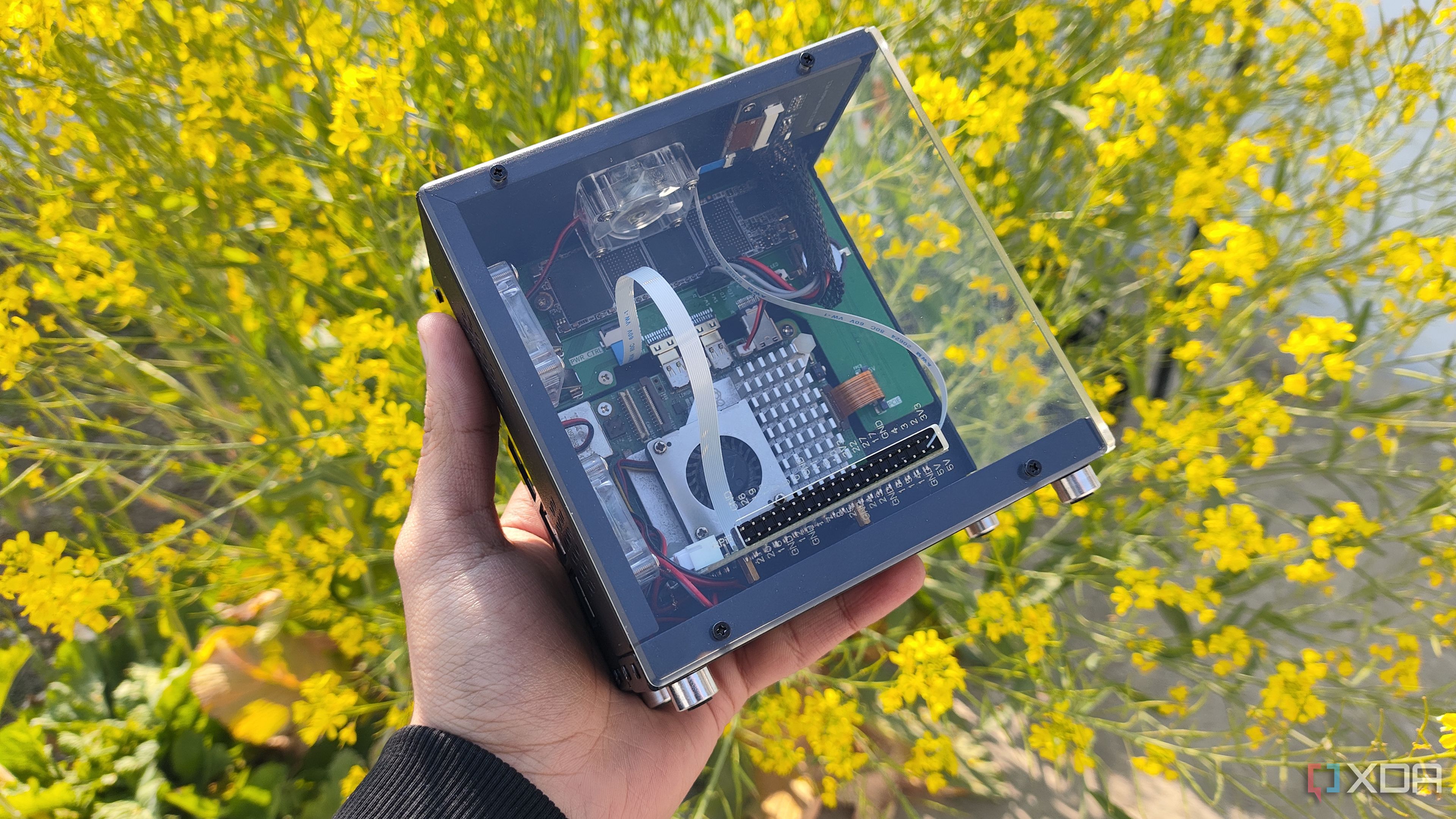
While many DIY enthusiasts gravitate toward low-power ARM boards, the most flexible and capable NAS devices are built on x86 architecture. Older x86 desktops and workstations (e.g., from 2010–2015) typically offer multiple SATA ports, PCIe slots for expansion, and at least 4GB of RAM — enough for basic file serving. Key hardware priorities include:
- Storage connectivity: look for motherboards with at least 4 SATA ports for a RAID array.
- Processor: any dual-core or better CPU will suffice; passmark scores above 1000 are safe.
- Power supply: use a reliable unit with enough wattage to spin up multiple drives.
- Case: ensure enough drive bays or be ready to use external enclosures.
These old x86 systems are also easy to pair with server-grade operating systems like TrueNAS, OpenMediaVault, or Unraid, which require x86 CPUs. While you could use a weaker decade-old system, the sweet spot is a mid‑range Intel Core i3 or i5 from 2013–2015; they balance performance, power draw, and compatibility.
How many storage drives can a typical old x86 machine support?
A standard desktop motherboard from the early 2010s usually includes 4 to 6 SATA ports, allowing you to install a similar number of internal drives. With the addition of a simple PCIe SATA controller card, that number can expand to 8 or 10. For a typical home NAS, 4 drives arranged in a RAID 5 or RAID 10 array provide a good mix of capacity, redundancy, and performance. If your old case has limited space, external USB 3.0 enclosures can add more storage, though with a slight performance trade-off. The original text mentions that most DIY NAS setups involve x86 machines capable of supporting at least a handful of storage drives — “handful” usually means 3–6 drives. With creative use of drive cages and adapters, you can easily reach 8 drives. Just remember that each drive increases power and thermal demands, so ensure your old power supply can handle the cumulative load.
What are the key software choices for a DIY NAS?
The right operating system is crucial for transforming repurposed hardware into a reliable NAS. Three popular choices for x86 machines are:
- TrueNAS (formerly FreeNAS) – built on ZFS, offers enterprise‑grade data protection and snapshots, but requires at least 8GB of RAM.
- OpenMediaVault – lightweight, plugin‑rich, and works well with 2–4GB RAM; ideal for older systems.
- Unraid – paid software that runs from a USB drive, allows mixing drive sizes, and includes a simple web interface.
Each can run on a standard x86 machine and supports RAID, file sharing (SMB/NFS), and backup automation. For truly old hardware (e.g., 1GB RAM), consider Debian with a minimal installation of Samba and mdadm. The original text emphasizes that DIY NAS setups “typically involve x86 machines” — so any of these options is a great fit. Whichever you choose, always use a dedicated OS installation drive (like a small SSD) and keep the data drives separate.
How do you ensure reliability when using repurposed hardware?
When using old components, reliability is the top concern. Start by stress‑testing the hardware: run a memory test (e.g., Memtest86+ for 12+ hours) and a CPU burn‑in tool to catch failing components. Replace the power supply unit (PSU) if it is more than five years old — capacitor aging can lead to unstable voltages that corrupt data. Also consider installing a UPS (uninterruptible power supply) to protect against power surges and outages. For storage, use drives with S.M.A.R.T. monitoring and set up regular scrubs or parity checks via your NAS software. The original article notes that repurposed hardware works “surprisingly well” — to meet that expectation, invest time in initial validation. Finally, keep a spare PSU and memory module on hand (often cheap on the used market) to quickly replace any failed part.
What are some common pitfalls to avoid?
Many builders stumble over the same issues when converting old hardware into a NAS. First, don’t underestimate power consumption — a decade‑old desktop can idle at 50–80W, costing more annually than buying a low‑power ARM NAS. Consider a CPU undervolt or use a power‑saving governor. Second, avoid using a single large drive without redundancy; one failure can destroy all your data. Always implement at least RAID 1 or a parity system. Third, ensure your old hardware supports the latest file system features — for example, ZFS requires a lot of RAM; if your machine has only 4GB, choose a lighter OS like OpenMediaVault. Lastly, don’t skip proper cooling — old case fans may be noisy or weak, so replace them if needed. By sidestepping these traps, you’ll enjoy a stable, long‑lasting backup solution that truly makes the most of what you already own.