How to Build Type-Safe LLM Agents Using Pydantic AI: A Step-by-Step Guide
Introduction
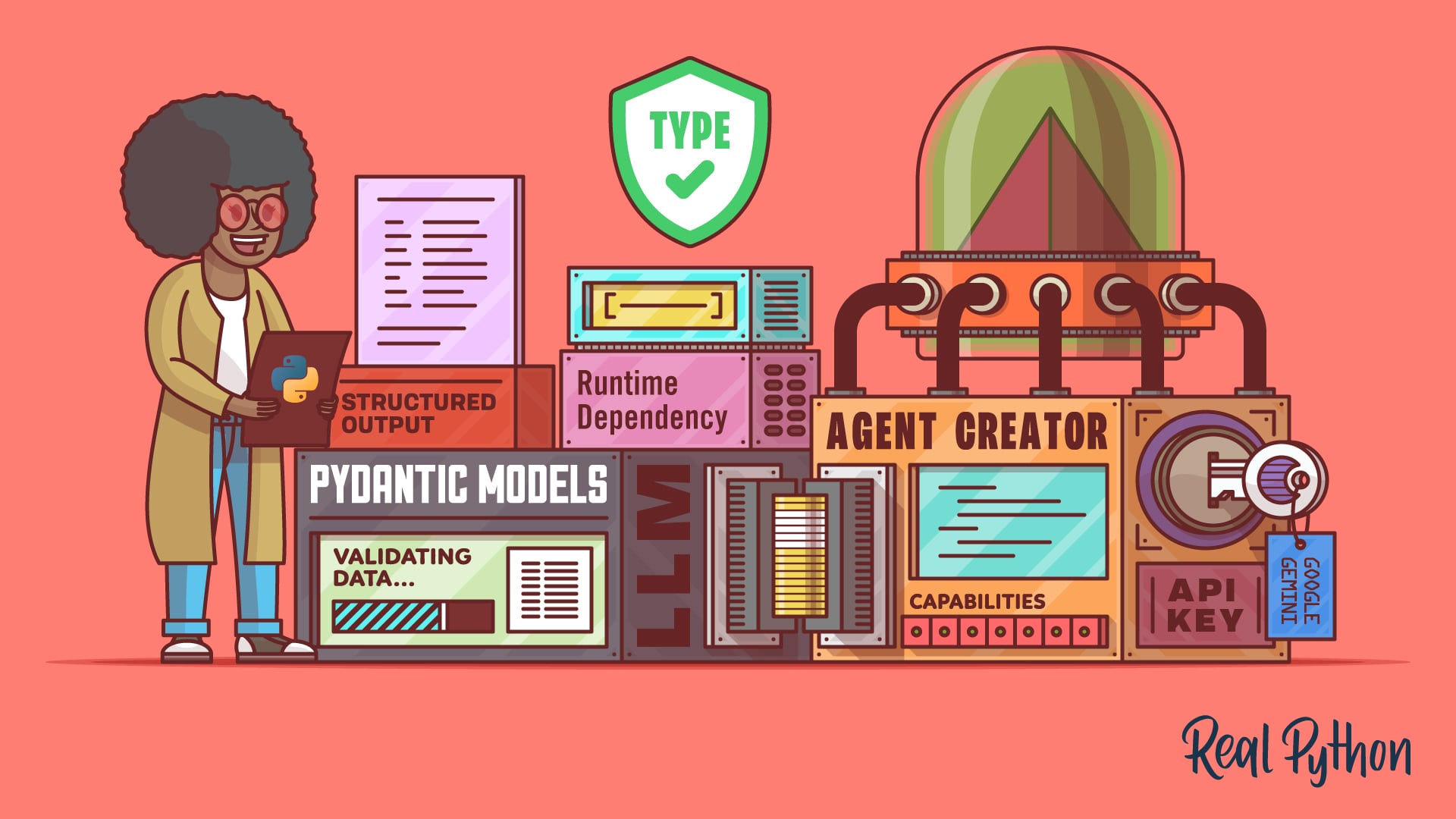
Building LLM agents that return validated, structured outputs no longer requires messy string parsing. With Pydantic AI, a Python framework, you can define schemas using BaseModel classes and let the framework automatically validate outputs, ensuring type safety. This guide walks you through creating a type-safe LLM agent from scratch, covering schema definition, tool registration, dependency injection, and validation retries. By the end, you'll have a reliable agent that integrates seamlessly with modern LLM providers.
What You Need
- Python 3.8 or later installed on your machine
- Basic familiarity with Python type hints and Pydantic (optional but helpful)
- An API key for a supported LLM provider: Google Gemini, OpenAI, or Anthropic
- Internet connection to install packages and query APIs
- Code editor or IDE of your choice
Step-by-Step Instructions
Step 1: Install Pydantic AI and Dependencies
Open your terminal and run the following command to install the pydantic-ai package along with the provider-specific library:
pip install pydantic-ai[openai] # for OpenAI; or [google-gemini], [anthropic]Make sure to install the appropriate extra for your chosen LLM provider. This adds both the main framework and the required client library.
Step 2: Define Your Output Schema with BaseModel
Create a new Python file (e.g., agent.py) and import BaseModel from pydantic. Define a schema that represents the structured output you expect from the LLM. For example, a contact information extractor:
from pydantic import BaseModel

class ContactInfo(BaseModel):
    name: str
    email: str
    phone: str | None = None
This schema guarantees that any output from the agent will contain validated strings for name and email, and an optional phone number. Pydantic handles type coercion and validation automatically.
Step 3: Create the Agent and Set the Result Type
Now import Agent from pydantic_ai and instantiate it with your model and a result type:
from pydantic_ai import Agent

agent = Agent(
    'openai:gpt-4o',  # or 'google-gemini:gemini-1.5-flash', etc.
    result_type=ContactInfo
)
This tells Pydantic AI that every response from the agent must be parsed into a ContactInfo object. If the LLM returns invalid or missing fields, the framework will raise a validation error—or retry automatically (see Step 5).
Step 4: Add Tools Using the @agent.tool Decorator
Tools are Python functions that the LLM can invoke based on a user query. Decorate a function with @agent.tool and provide a clear docstring describing when it should be used:
@agent.tool
def get_contact_database(ctx, query: str) -> str:
    """Retrieve contact information from a local database. Use when user asks for a specific person."""
    # Your database lookup logic here
    return "Contact not found"
The docstring acts as the tool's description for the LLM, so be specific. Pydantic AI automatically registers the function and manages the interaction.
Step 5: Leverage Dependency Injection for Runtime Context
To avoid global state (like database connections), use the deps_type parameter when creating the agent. First, define a dependencies class:
class Deps(BaseModel):
    db_connection: str  # or a real connection object
Then pass it to the agent and include it in your tool's parameters:

agent = Agent('openai:gpt-4o', result_type=ContactInfo, deps_type=Deps)

@agent.tool
def lookup_contact(ctx, deps: Deps, name: str) -> str:
    # Use deps.db_connection to query
    return f"Found {name} in DB"
When calling the agent, provide the dependency instance: agent.run_sync(user_query, deps=my_deps)
Step 6: Enable Validation Retries for Robustness
Pydantic AI can automatically retry queries if the LLM returns invalid data. Configure this by setting the max_retries parameter:
agent = Agent('openai:gpt-4o', result_type=ContactInfo, max_retries=3)If the LLM's response fails validation (e.g., missing required fields), the agent resends the query with a hint about the validation error. This increases reliability but also raises API costs. Use judiciously.
Step 7: Execute a Query and Get the Structured Output
Run the agent with a user prompt and retrieve the validated object:
result = agent.run_sync("Find John Doe's email")
print(result.data)  # ContactInfo object with validated fields
The .data attribute contains your type-safe Pydantic model. You can access fields directly (e.g., result.data.email).
Step 8: Choose the Right LLM Provider
Pydantic AI works best with providers that natively support structured output: Google Gemini, OpenAI, and Anthropic. These return JSON-like responses that Pydantic can validate with high accuracy. Other providers may have limited or no support, leading to more validation failures and increased retries. Test your chosen provider to ensure compatibility.
Tips for Success
- Be explicit in docstrings: The LLM relies on tool descriptions. Provide realistic examples and edge cases.
- Monitor costs: Validation retries double API calls. Start with
max_retries=0during development, then increase after testing. - Use dependency injection: It makes your code testable and avoids global state issues.
- Validate schemas early: Test your
BaseModelwith sample data to ensure it matches LLM output patterns. - Version lock your providers: Different models have varying capabilities for structured output. Stick to one provider initially.
With these steps, you can build reliable, type-safe LLM agents that integrate seamlessly into your Python applications.