Stop Abandoning Long YouTube Videos: A Proven Active Watching Method
Introduction
YouTube is designed for passive consumption—endless autoplay, recommended thumbnails, and a layout that encourages mindless scrolling. Yet it has quietly become one of the world's largest educational platforms, hosting thousands of hours of in-depth tutorials, lectures, and documentaries. Like many viewers, I habitually saved long videos to my Watch Later list, only to abandon them after the first ten minutes. The solution wasn't 'watch faster' or 'force self-discipline.' Instead, one simple mindset shift—treating YouTube like a study session instead of a movie marathon—transformed my completion rate. Here's exactly how you can do the same.
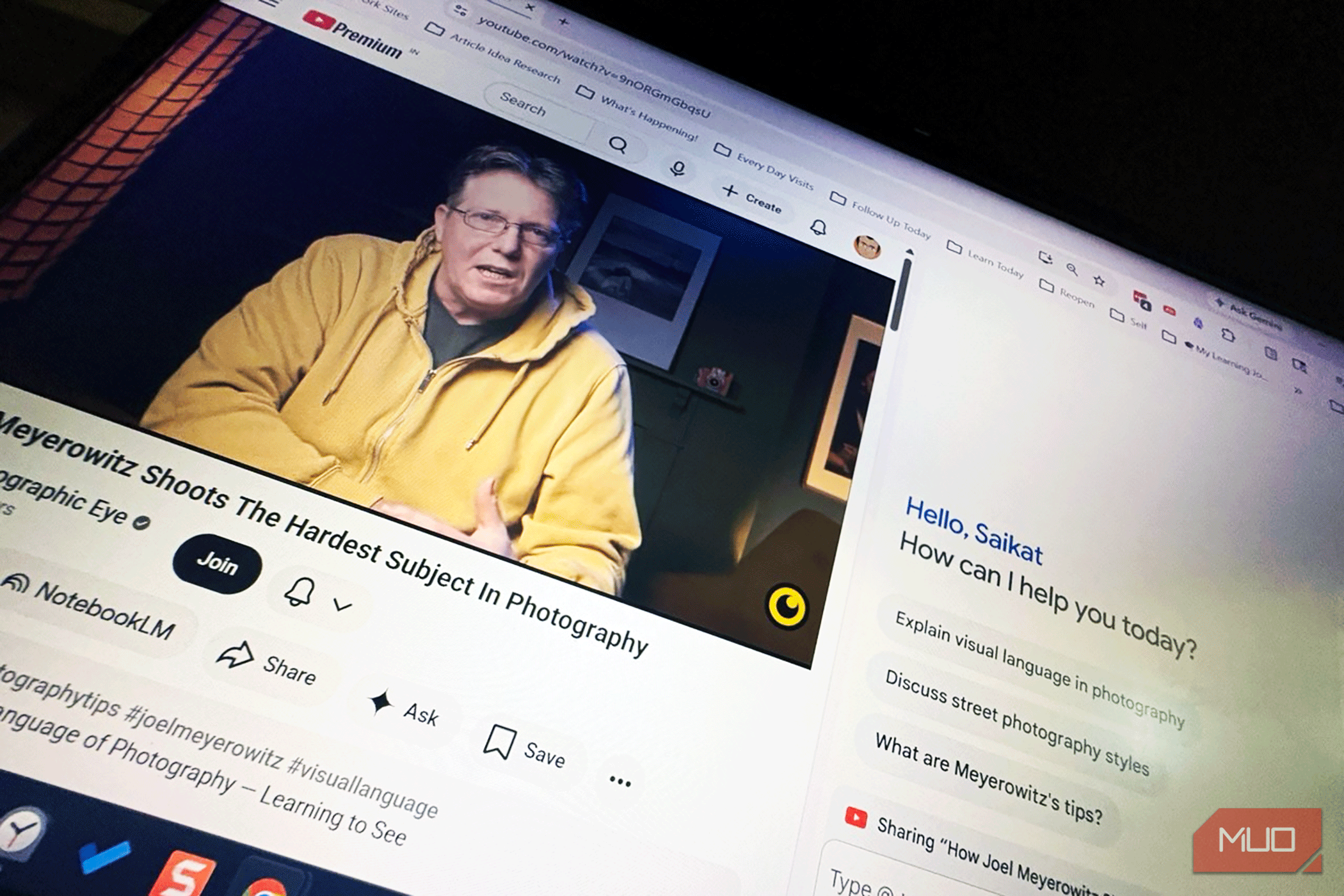
What You Need
- A YouTube account (free, with a Watch Later list)
- A collection of long videos (30 minutes or more) that you've started but never finished
- A note-taking tool (digital like Notion, Evernote, or Google Docs; or analog like a notebook)
- Headphones or a quiet environment to minimize distractions
- Optional: a timer app for focused sessions
Step-by-Step Guide
Step 1: Define Your Specific Learning Goal
Before clicking play, ask yourself: What exactly do I want to walk away with? Vague intentions like 'I'll learn something' lead to passive watching and eventual abandonment. Instead, write down one concrete question you want answered by the end of the video. For example, instead of 'Watch this tutorial on Python decorators,' write 'Understand how to use the @decorator syntax with arguments.' This shifts your brain from spectator to active investigator. Keep that question visible while you watch—tape it to your monitor or pin it in your notes app.
Step 2: Preview the Video Using Chapters and Transcript
Long YouTube videos are often structured with chapters (timestamps in the description) or an automatically generated transcript. Use these to create a mental map before diving in. Open the video, scroll to the description, and note the chapter titles. If transcripts are available, skim the first few lines of each section. This preview accomplishes two things: it breaks the video into digestible parts, and it primes your brain to recognize key points. You'll know, for instance, that minute 12 covers the exact topic you're interested in—so you can skip ahead if needed, or better yet, set your expectation for when to pay extra attention.
Step 3: Set a Flexible Playback Speed
Playback speed is your secret weapon against wandering attention. Most long videos are delivered at a conversational pace—fine for passive listening but inefficient for active learning. Set the speed to 1.25x or 1.5x as a baseline. If the speaker talks fast, go to 1.25x; if they're slow, try 1.75x. But here's the key: adjust speed per segment. When the video shows a complex diagram or a tricky step, slow down to 0.75x or even pause. When the creator repeats a simple point, speed up to 2x. This dynamic speed control keeps your mind engaged because you're constantly making micro-decisions about pacing.
Step 4: Engage with Active Note-Taking
Passive watching fills your Watch Later list; active note-taking fills your brain. Pause the video every 5–7 minutes (or at every chapter break) and write down one or two bullet points summarizing what you just heard. Do not transcribe—paraphrase in your own words. If the video presents a solution, jot down why it works. If the creator shows a mistake, note what went wrong. The act of writing slows consumption and forces comprehension. For technical topics, sketch diagrams or pseudo-code. Most importantly, link the new information to the goal you set in Step 1. Does this segment answer your question? If yes, mark it. If not, flag it for later review.
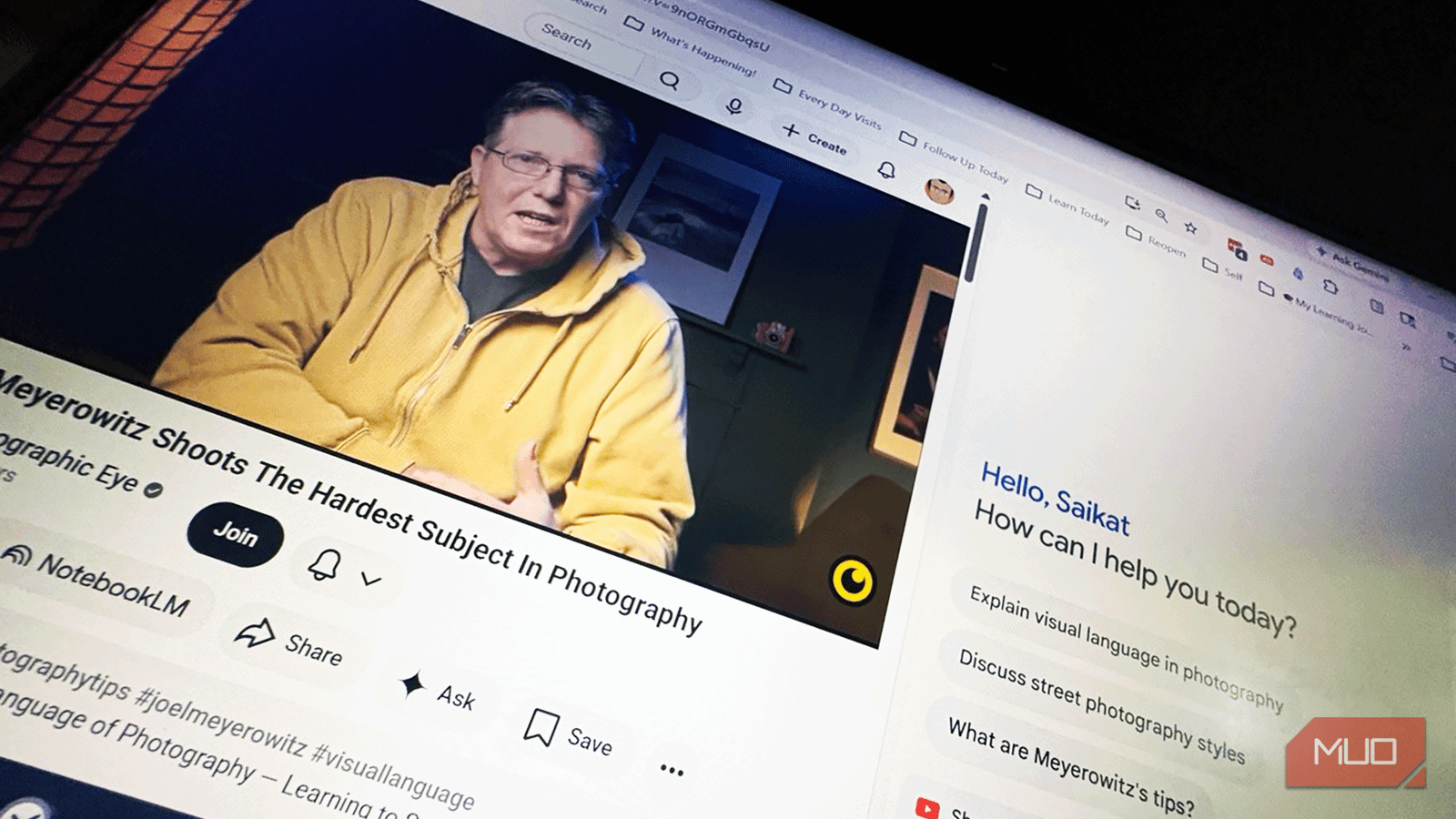
Step 5: Schedule Viewing Sessions with Pauses
No one can sustain high-level focus for two hours. Break the video into 25–30 minute sessions using a timer (Pomodoro-style works well). At the end of each session, write a one-sentence summary of what you learned. Then take a 5-minute break—stand up, stretch, look away from the screen. This prevents the 'autopilot trudge' that leads to abandoning the video. If the video is 90 minutes long, plan three sessions across different days. Treat each session like a classroom period, not a Netflix episode. Pro tip: bookmark the exact timestamp where you stop, and add a note about what you expect to see next. You'll restart much faster.
Step 6: Review and Summarize After Each Session
Immediately after finishing a session (or after the entire video), write a quick summary as if you were explaining it to a friend. Use the Feynman technique: identify the core concepts, and see if you can explain them simply. If you get stuck, scroll back to the relevant timestamp and re-watch that 2-minute segment. This review cements the material and highlights gaps. Then, add that summary to a master document (like a 'YouTube Learning Log') rather than leaving it scattered in random notes. Over time, this log becomes a searchable reference—far more valuable than an abandoned Watch Later playlist.
Tips for Long-Term Success
- Curate your Watch Later list ruthlessly. Delete videos that no longer align with your goals. A clean list reduces decision fatigue.
- Combine with the 'save to playlist' feature. Create a 'To Learn This Month' playlist and limit it to 5–7 videos. Finish those before adding new ones.
- Use the 'Add Note to Bookmark' trick. When you pause, add a comment in the video description (private) or use browser extensions that attach notes to timestamps.
- Pair with a second screen for notes. If you're on a phone, screenshot diagrams and annotate them later. The key is to keep hands and eyes busy.
- Forgive yourself if you skip steps. Some videos are better enjoyed casually. The method described above is for content you genuinely want to learn—not for every video you watch.
- Track your completion rate. After a month, count how many long videos you finished vs. abandoned. Even a 20% improvement is a win.
By adopting this active watching method, you transform YouTube from a passive time-sink into a structured learning tool. The key is no longer willpower—it's a system. Start with one video today, and watch your Watch Later list shrink as your knowledge grows.